

Flashback is a powerful screen recorder for Windows, with tools to create tutorials, demos, and presentations in professional video quality.
Flashback Express is for Windows 10, 11
Trusted by teams, educators, and creators worldwide


Create Engaging Videos in Minutes
Use Flashback Express to capture your screen, highlight what matters, and share high-quality videos.
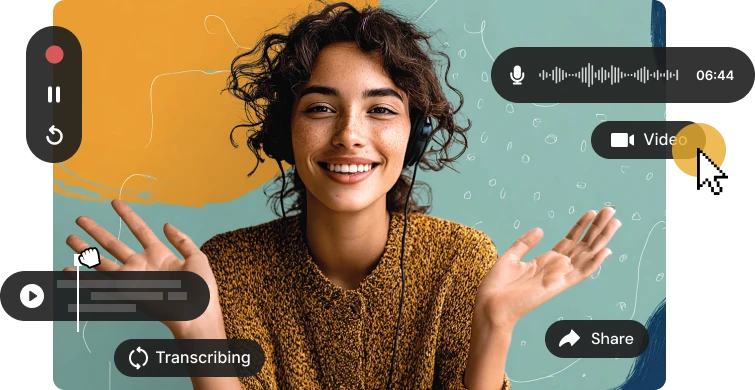
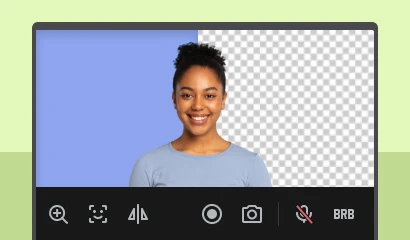
Capture any area of your screen, webcam, and system audio in real time to create engaging, step-by-step tutorials and demos.
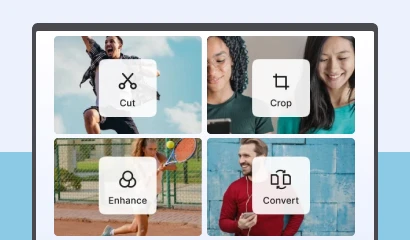
Trim recordings to remove mistakes, pauses, and dead time so your video stays clear, focused, and easy to follow.
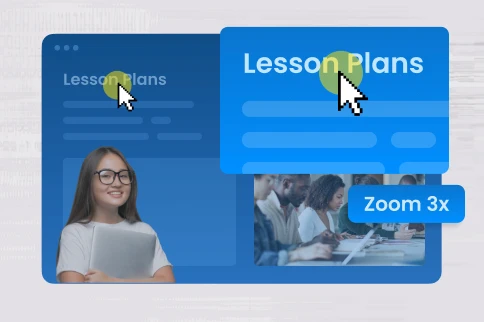
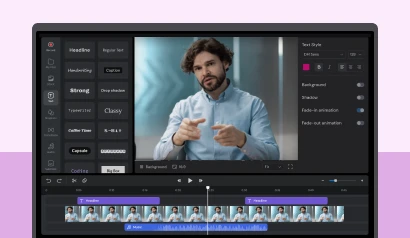
Transform recordings into polished videos by adding animations, transitions, captions, zoom effects, music and more.
Export your videos in seconds in popular formats. Share them instantly with your team, customers, or students.
Flashback transforms everyday screen captures into engaging instructional video by adding dynamic visual and highlighting key moments, so your message lands every time.

Highlight Key Actions
Show viewers exactly where to look with clear visual cues so nothing important gets missed.
Explain Each Step
Break your message into simple, clear steps, making even the most complex ideas feel straightforward.
Keep Videos Focused
Remove distractions so your videos stay concise and on track, ensuring the message stays front and centre.
Use Screen Recording Software to Edit and Shape Your Videos
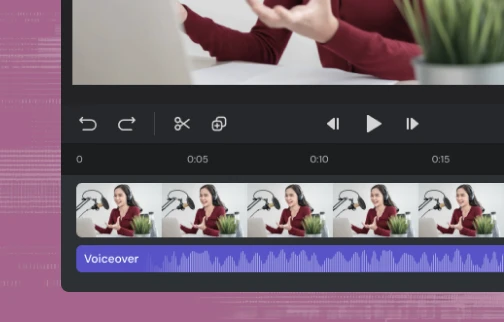
Turn raw recordings into polished content with built-in video editing tools designed to trim footage, adjust pacing, and enhance clarity.
Make Better Videos With Flashback
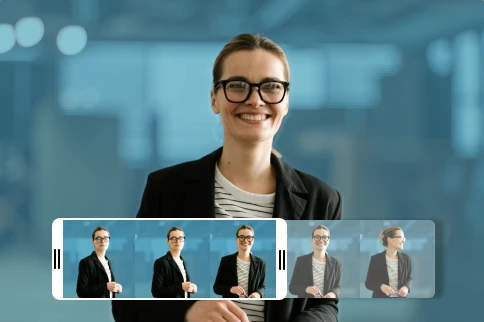
From recording and editing to AI-powered camera effects and fast video conversion, Flashback's tools make it easy to create high-quality, professional videos.
Built for Tutorials, Demos and Training
Create videos for onboarding, product demos, teaching and more, explaining ideas step by step.





Got a few more questions? We’ve got you covered.
How do I record my screen, webcam, and audio at the same time?
Capture everything in one go. Flashback Express functions as an all-in-one screen video recorder with full recording support for multi-monitor setups, recording your screen, webcam, and audio simultaneously on separate tracks so you can adjust each element later.
Are there time limits or watermarks on free recordings?
No limits, no surprises. Flashback Express lets you record for as long as you need with no watermark on your recordings, so you can focus on creating without interruptions.
Is this screen recorder safe to use?
Yes, it’s built with privacy in mind. Flashback runs as a secure desktop app and includes tools to blur sensitive information before you share, so you stay in control of what’s seen.
Can I edit my recordings in Flashback Express?
Yes, Flashback Express includes built-in editing tools so you can trim mistakes, cut unwanted sections, and improve your video before sharing. It’s all in one place, so there’s no need for extra software.
Can Flashback Express record system audio and microphone at the same time?
Yes, Flashback Express can record both system audio and your microphone together or separately. This gives you full control over your sound, whether you're recording tutorials, presentations, or commentary.
Can I record dual monitors or select a specific area of my screen?
Yes. Flashback Express lets you choose your capture area before you begin. You can record your entire desktop across multiple monitors, focus on a single display, or define a specific window or custom region to keep private information off-camera.
What file formats can I export my recordings to?
You can export your completed recordings directly to popular video formats including MP4, AVI, and WMV. This ensures compatibility across all media players, learning management systems, and video sharing platforms like YouTube.
Does Flashback Express impact computer performance while recording?
Flashback Express is engineered as a lightweight Windows application with low CPU and RAM usage. It records high-frame-rate video smoothly without system lag, making it suitable for capturing resource-heavy desktop apps and presentations.
